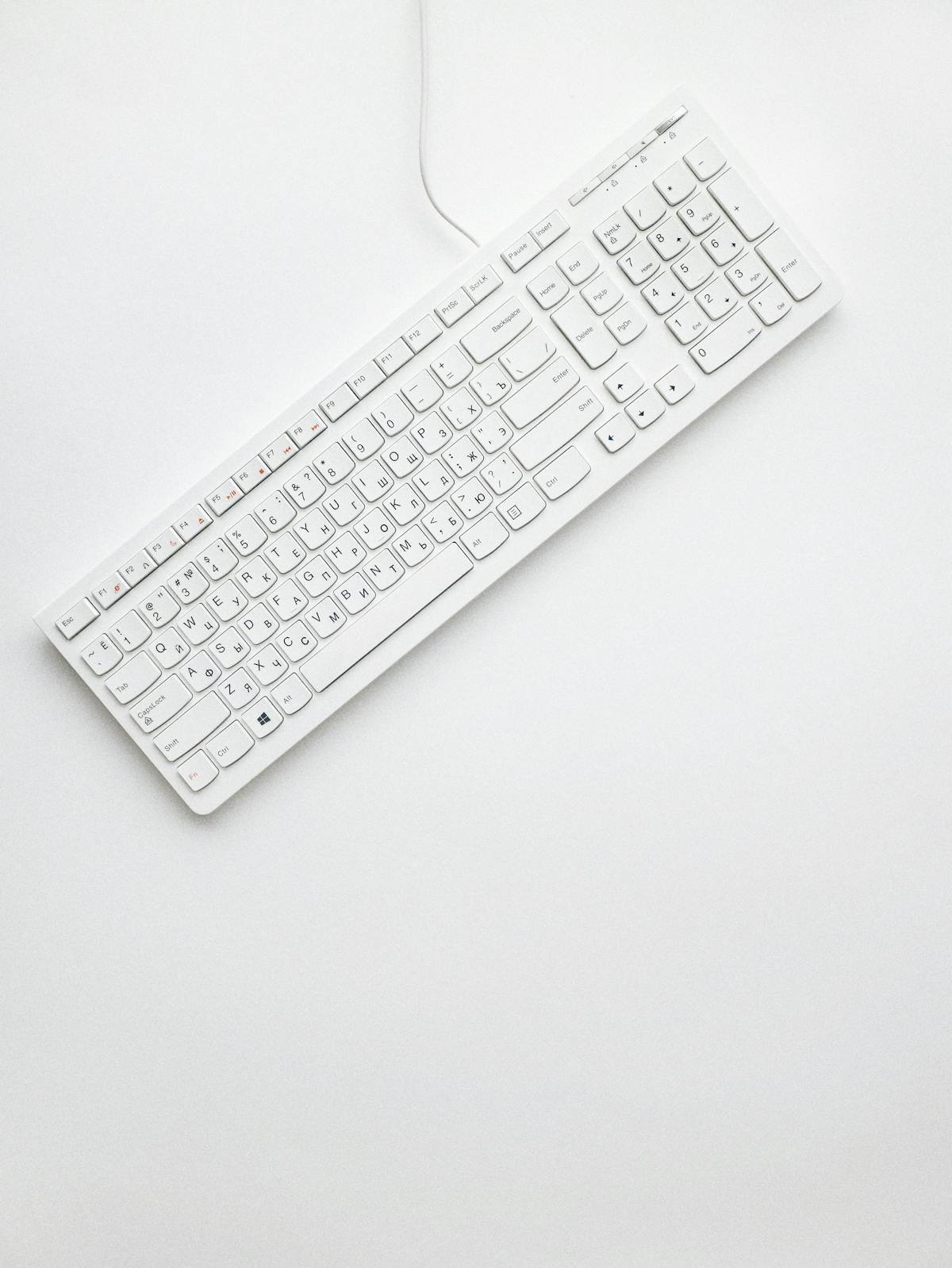
If you spend hours every day typing — whether you’re a developer writing code, a writer crafting content, or a gamer competing online — the keyboard under your fingers matters more than most people realize. Mechanical keyboards offer a fundamentally different experience from the membrane keyboards that ship with most computers: individual mechanical switches beneath each keycap provide precise tactile feedback, shorter or more deliberate actuation, dramatically longer lifespans (typically 50 to 100 million keystrokes), and a satisfying feel that makes prolonged typing sessions noticeably less fatiguing. In 2025, the mechanical keyboard market has reached remarkable maturity, with options ranging from $40 budget picks to $300+ enthusiast boards. Here are the best options across every category.
Understanding Switch Types
Before choosing a mechanical keyboard, understanding switch types is essential. Linear switches (like Cherry MX Red or Gateron Yellow) actuate smoothly without a tactile bump, making them popular for gaming where speed matters. Tactile switches (like Cherry MX Brown or Gateron Brown) provide a physical bump when the key actuates, giving typing feedback without a loud audible click. Clicky switches (like Cherry MX Blue) combine the tactile bump with an audible click — deeply satisfying for many typists but disruptive in shared workspaces. Hot-swappable keyboards allow you to change switches without soldering, which is ideal for buyers who want flexibility to experiment with different switch feels over time.
1. Keychron Q1 Max — Best Overall
The Keychron Q1 Max has earned its place as the definitive recommendation for buyers who want a premium mechanical keyboard without venturing into extreme enthusiast pricing. The full-aluminum CNC-machined body gives it a substantial, premium feel. The gasket-mounted design significantly reduces the hollow, plastic clatter common in cheaper boards, producing a deep, thocky sound that keyboard enthusiasts obsess over. It’s wireless (Bluetooth 5.1 and 2.4GHz wireless) with QMK/VIA firmware support for complete key remapping, and fully hot-swappable for switch experimentation. At around $200 to $220, it represents genuine value for the build quality delivered.
2. Keychron K8 Pro — Best Value
Keychron has built a dominant position in the mechanical keyboard market by consistently offering quality that outpaces price, and the K8 Pro is the clearest expression of that philosophy. The tenkeyless (TKL) layout removes the numpad for a more compact footprint that allows the mouse to sit closer to the keyboard — an ergonomic benefit that wrist and shoulder users notice immediately. It’s wireless, hot-swappable, QMK/VIA compatible, and available with multiple switch options including Gateron G Pro switches in linear, tactile, and clicky variants. At around $100 to $120, it’s the pick that most people shopping for their first quality mechanical keyboard should start with.
3. Logitech MX Mechanical — Best for Office and Productivity
Logitech’s MX Mechanical bridges the gap between the traditional office keyboard and the enthusiast mechanical world. It’s wireless, connects to up to three devices simultaneously via Bluetooth, charges via USB-C, and uses quiet tactile switches that are substantially more satisfying than membrane alternatives without being disruptive in open-plan offices. The build quality is excellent, the keycaps are clean and professional-looking, and the Easy-Switch button for device pairing is seamless for multi-computer setups. For professionals who want a mechanical upgrade from their current office keyboard without the loud click, the MX Mechanical is the most polished option available.
4. Razer BlackWidow V4 Pro — Best for Gaming
Razer’s BlackWidow V4 Pro is purpose-built for gaming, featuring Razer’s proprietary mechanical switches (available in linear Green or tactile Yellow variants), fully programmable macro keys, and an RGB lighting system that integrates with Razer’s Chroma ecosystem. The multi-function dial adds media control and profile switching without breaking typing flow. For gamers who want custom macro capability, reliable switch performance, and deep software integration with their gaming peripherals, the BlackWidow V4 Pro delivers a comprehensive, cohesive package that justifies its positioning in the gaming keyboard market.
5. ZSA Voyager — Best Ergonomic Split Keyboard
For developers and writers who spend eight or more hours per day at the keyboard, the ergonomic argument for a split keyboard becomes compelling. The ZSA Voyager is a low-profile split keyboard that positions each half at shoulder width, dramatically reducing the internal rotation of the wrists and forearms that causes repetitive strain injuries over years of standard keyboard use. It’s fully programmable with QMK/VIA firmware, includes hot-swappable switches, and ships with multiple switch options. The investment in learning a split layout is real — most users take two to four weeks to regain their previous typing speed — but the long-term ergonomic benefit for high-volume typists is significant.
6. Redragon K556 — Best Budget Pick
Not everyone needs to spend $100+ on a mechanical keyboard to get a meaningfully better experience than membrane alternatives. The Redragon K556 delivers genuine mechanical switches (using Outemu switches in red, brown, or blue variants), a sturdy aluminum faceplate, individual backlighting, and reliable build quality at around $45 to $55. It’s an ideal first mechanical keyboard for anyone who wants to understand what the mechanical difference feels like before committing to a more significant purchase. For students, casual users, or anyone on a tight budget, the K556 proves that mechanical quality doesn’t require mechanical-keyboard prices.
Choosing the Right Layout
Layout choice affects both footprint and functionality. Full-size keyboards include a numpad and are best for users who frequently input numerical data. Tenkeyless (TKL) boards remove the numpad, saving desk space and allowing a more ergonomic mouse position. 75% boards retain most function row keys in a more compact form. 65% boards remove the function row while keeping arrow keys. 60% boards are the most compact form factor, dropping arrow keys for maximum portability and aesthetic minimalism. For most developers and writers, TKL or 75% represents the sweet spot between functionality and compact footprint.
Conclusion
The right mechanical keyboard is the one that matches your switch preference, your layout needs, your connectivity requirements, and your budget — and that you’ll actually enjoy using every day. For most users, the Keychron K8 Pro at $100 to $120 delivers the best combination of quality, value, and features. Those ready to step up to the enthusiast tier should look at the Keychron Q1 Max. And anyone whose primary concern is office compatibility and multi-device wireless should choose the Logitech MX Mechanical without hesitation.
FAQs
Are mechanical keyboards worth it for programming?
Yes. Developers who type for extended periods consistently report less finger fatigue, faster typing speed, and greater accuracy with mechanical keyboards compared to membrane alternatives. The tactile and auditory feedback of mechanical switches makes it significantly easier to type without bottoming out every keystroke, reducing the cumulative strain of high-volume typing.
Which switch type is best for beginners?
Tactile switches (Cherry MX Brown or Gateron Brown) are most commonly recommended for beginners because they provide satisfying feedback without being as loud as clicky variants, making them suitable for both office and home use. If quiet is a priority, linear silent switches offer a smooth, muted experience.
What is hot-swappable and why does it matter?
Hot-swappable keyboards allow you to pull out and replace switches without soldering, using only a switch-removal tool. This lets you change your switch feel at any time without modifying the board permanently — making it easy to experiment with different switch types and future-proof your investment as your preferences evolve.